
It’s Complicated
I don’t remember when phones stopped being phones and started being small computers that occasionally ring.
Now everything requires:
- A password
- A code sent to your email
- And a confirmation text to the phone you’re trying to log into
It’s enough to make a person long for a rotary dial and a cord that reached the kitchen.
But here’s the truth: technology isn’t going away — and when we understand it, it can be one of the best tools for staying independent and connected.
The Good News
Technology lets us:
- Video chat with grandkids
- Order groceries without wandering three aisles looking for the pasta
- Refill prescriptions
- Monitor blood pressure and heart rate
- Join virtual classes
- Stay connected with friends
It’s independence in your pocket.
And I like independence.
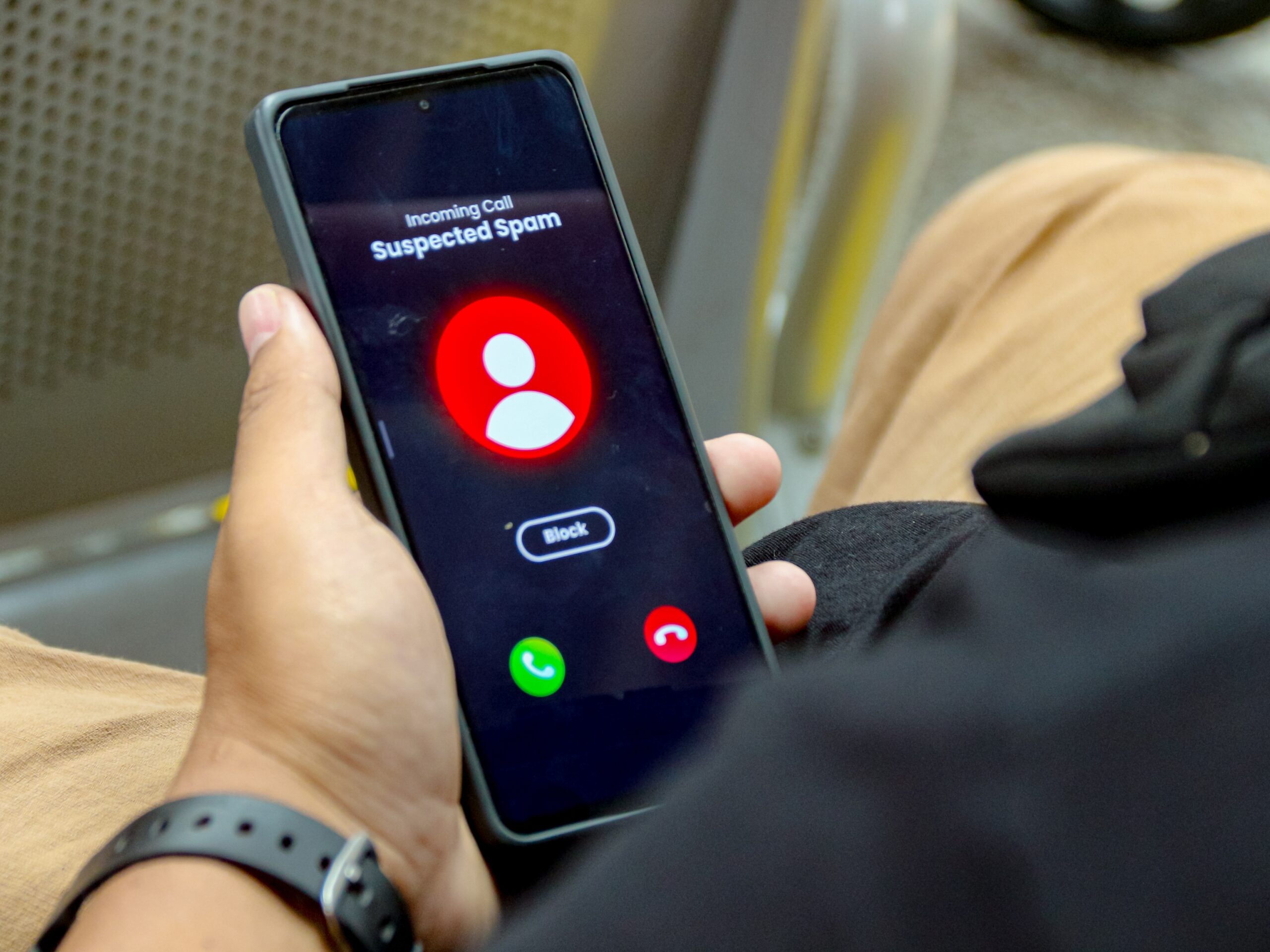
The Not-So-Good News: Phone Scams Are Everywhere
Unfortunately, scammers like independence too — especially yours.
Older adults are often targeted because scammers assume older people are polite and trusting. (They’re right about the polite part.)
Here’s what to watch for:
🚩 Red Flags of a Phone Scam
- Pressure to “act immediately.”
- Requests for gift cards, wire transfers, or cryptocurrency
- Calls claiming to be from the IRS, Social Security, Medicare, or your bank
- Threats of arrest or account closure
- Requests for personal information (Social Security number, Medicare number, bank details)
- Caller ID that “spoofs” a local number
The Golden Rule
If someone calls you unexpectedly and asks for money or personal information:
Pause. Hang up. Look up the official number yourself and call back.
Never trust the number that appears on your screen.
Legitimate agencies:
- Do not demand payment by gift card.
- Do not threaten immediate arrest.
- Do not pressure you to stay on the phone.
When in doubt, slow down. Scammers rely on urgency. Wisdom relies on patience.
If you suspect fraud, report it to:
- The Federal Trade Commission (FTC)
- Your local police department
- Your bank (if financial information was shared)
- Your credit card’s fraud department
Asking for help is not embarrassing. Falling for a scam can happen to anyone.
Make Technology Simpler (Not Scarier)
You don’t need to become a tech expert. You just need a few solid habits.
✔ Practical Tips:
- Use large-font settings (Settings → Display → Text Size).
- Turn on call blocking features.
- Set up two-factor authentication for financial accounts.
- Limit what you share on social media.
And here’s something important: never click on links in unexpected text messages even if they look official.
If you didn’t request it, don’t click it.
Classes That Actually Help
You are not expected to figure this out alone.
Many communities offer:
- Senior center tech workshops
- Library smartphone classes
- Community college continuing education courses
- AARP technology classes
- Carrier store tutorials (Verizon, AT&T, T-Mobile often offer free help sessions)
- Local nonprofit digital literacy programs
Some classes cover:
- How to use texting and FaceTime
- How to download apps safely
- How to spot scams
- How to manage photos
- How to use telehealth services
Look for classes labeled:
- “Technology for Seniors”
- “Intro to Smartphones”
- “Digital Safety Basics”
- “Cybersecurity for Older Adults”
Learning in a group setting also builds community — and that’s half the fun.
If your local community offers tech support hours or workshops, consider attending. One afternoon of learning can prevent one expensive mistake.
Choosing the Right Phone
Not all smartphones are created equal — and some are designed specifically with seniors in mind.
📱 Top Phone Brands for Seniors
- Jitterbug (Lively)
- Large buttons and simple interface
- Loud speakers
- Urgent response button
- Easy-to-read screen
Best for: Simplicity and safety features
- iPhone (Apple)
- Excellent accessibility settings
- Voice commands (Siri)
- Large ecosystem of apps
- Strong security
Best for: Those comfortable learning features
- Samsung Galaxy (Android)
- Large screens available
- Customizable text size
- Easy Mode option
Best for: Flexibility and larger display options
- Consumer Cellular Phones
- Affordable plans
- Senior-friendly customer service
Best for: Budget-conscious users
Before purchasing:
- Visit a store and hold the phone.
- Test the screen brightness.
- Ask to see accessibility settings.
- Choose comfort over trend.
The “best” phone is the one you feel confident using.
Final Thoughts
Learning something new keeps your brain sharp — even if it occasionally makes you want to toss the remote across the room.
We may not have grown up with smartphones.
But we grew up balancing checkbooks, raising families, navigating careers, and reading actual road maps.
We are fully capable.
And if technology ever feels overwhelming, remember:
Confidence grows with practice.
Security grows with awareness.
And independence grows with knowledge.
You’re not behind.
You’re adapting.
And you’re doing just fine.
Share This Story:


Leave A Comment
You must be logged in to post a comment.